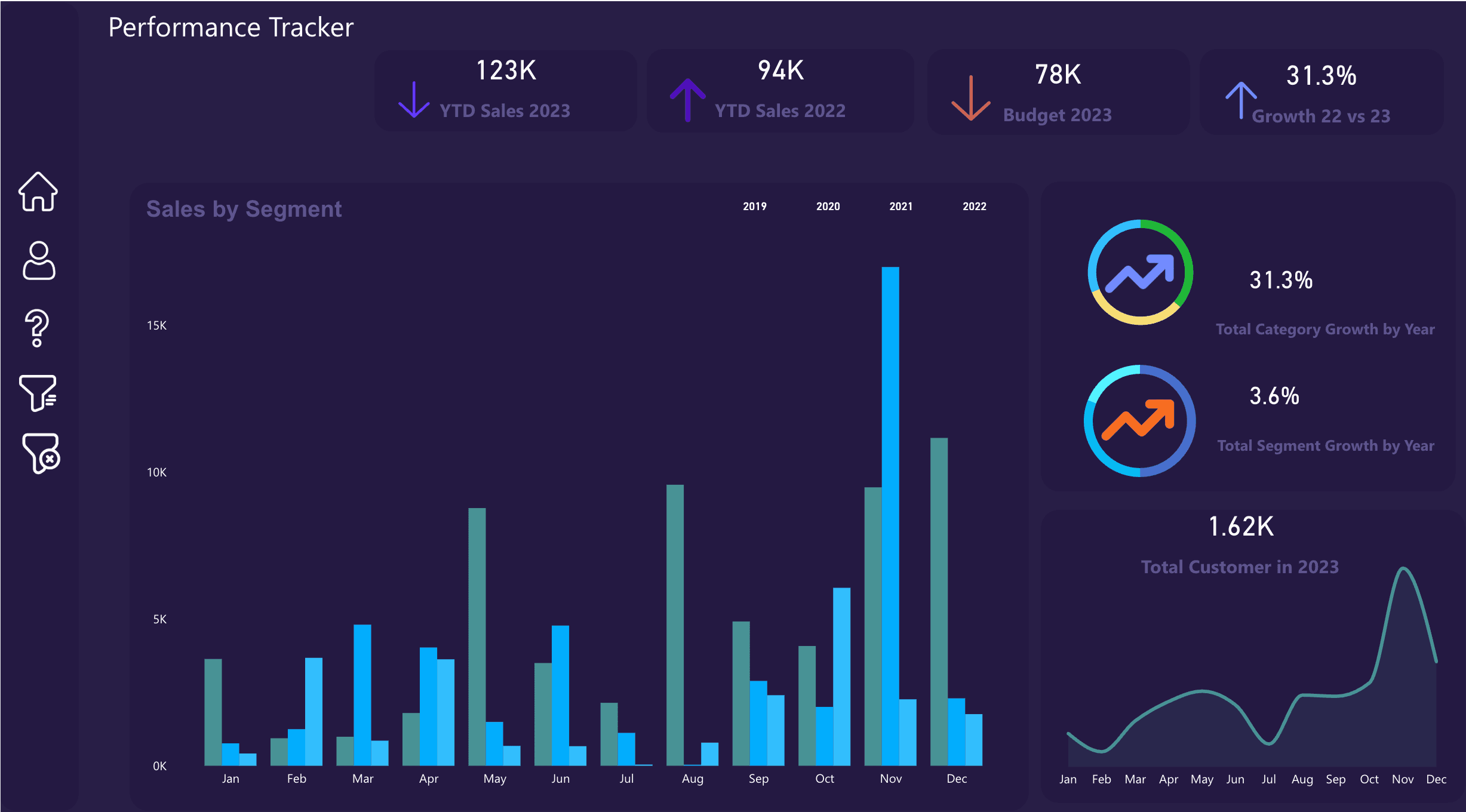
Do not start with the visuals
When a Power BI report is not trusted, the first reaction is usually to redesign the dashboard. That can help the user experience, but it rarely fixes the reason people stopped trusting the numbers.
Most broken dashboards have a deeper issue. The sales total on page one does not match finance. The monthly refresh sometimes fails. A measure was copied into five places and changed in two of them. Someone exports Excel every Friday and pastes it into a folder before the report can update.
A dashboard audit separates visual problems from data-system problems. That distinction matters because a redesign is a waste if the source logic is still unclear.
1. Audit the business question
Every useful dashboard should answer a specific decision question. If the dashboard is trying to serve executives, operations, finance, and analysts at the same time, it often becomes a crowded report that serves none of them well.
Start by writing the decisions the dashboard should support. For example: which product category is underperforming, which region needs attention, which cost line is rising, which branch is missing target, or which customer segment is changing.
- Who uses this report each week or month?
- What decision should they make after opening it?
- Which KPIs are required for that decision?
- Which pages are only nice-to-have and can be removed?
2. Audit the source systems
Power BI can connect to Excel, SQL Server, SharePoint, APIs, SaaS exports, dataflows, and many other sources. The question is not whether the connection is possible. The question is whether the source is owned, documented, refreshed, and reliable.
For every table in the report, document where it comes from, who owns it, how often it changes, and whether the transformation should live in Power Query, SQL, Fabric Data Factory, or another managed pipeline.
- List every source table, file, API, and manual export.
- Mark which sources are production systems and which are temporary files.
- Check whether source columns have stable names, types, and business meaning.
- Identify manual steps that should be automated or removed.
3. Audit the semantic model
The semantic model is where reporting trust is won or lost. If the model is a flat table with many calculated columns, duplicated logic, and ambiguous relationships, the report will become harder to maintain every month.
Look for a star schema where facts and dimensions are separated, relationships are predictable, and DAX measures describe business logic once. A clean model makes report pages simpler because the hard work is already handled underneath.
- Separate transaction facts from lookup dimensions.
- Use a proper date table for time intelligence.
- Replace repeated visual-level calculations with reusable measures.
- Name measures in business language, not developer shorthand.
4. Audit refresh, gateway, and performance
A dashboard that only works when someone manually refreshes it is not a reporting system. Scheduled refresh, gateway setup, query folding, incremental refresh, and failure notifications all affect whether the report can be used operationally.
Performance issues are also a trust issue. If a report takes too long to open or filters take several seconds to respond, users stop exploring and return to Excel extracts.
- Check refresh duration, failure history, and ownership.
- Review whether on-premises sources need a properly managed gateway.
- Use incremental refresh where large historical tables make full refresh slow.
- Remove unused columns, high-cardinality fields, and unnecessary visuals.
5. Audit security and delivery
The final audit area is delivery. Who can see the report? Who can build from the semantic model? Are row-level security rules needed? Are there separate workspaces for development and production? Is there a handover document?
Without delivery controls, the dashboard can work technically but still fail as a business tool. People need the right access, the right definitions, and a clear path for requesting changes.
- Review workspace roles and sharing approach.
- Document row-level security requirements before building pages.
- Define who owns KPI changes and report changes.
- Create a short handover document for refresh, access, and support.
Repair or rebuild?
After the audit, decide whether the existing dashboard should be repaired or rebuilt. If the visuals are weak but the model is solid, repair the report pages. If the model is messy but the data sources are stable, rebuild the semantic model first. If the sources are manual and unreliable, start with ingestion and data architecture.
The audit prevents guesswork. It gives you a backlog that explains what must change, why it matters, and what order will reduce the most reporting risk.
Quick dashboard audit checklist
- The dashboard has a clear audience and decision purpose.
- Every KPI has a written definition and owner.
- Source systems are documented with refresh frequency and owner.
- Manual Excel exports are identified and scheduled for removal where possible.
- The model uses facts, dimensions, relationships, and reusable DAX measures.
- Refresh history, gateway health, and failure alerts are reviewed.
- Security, sharing, and handover are documented.
Need the audit done with you?
If your team already has Power BI reports but the numbers are not trusted, start with a focused dashboard audit before spending money on a rebuild.